Description
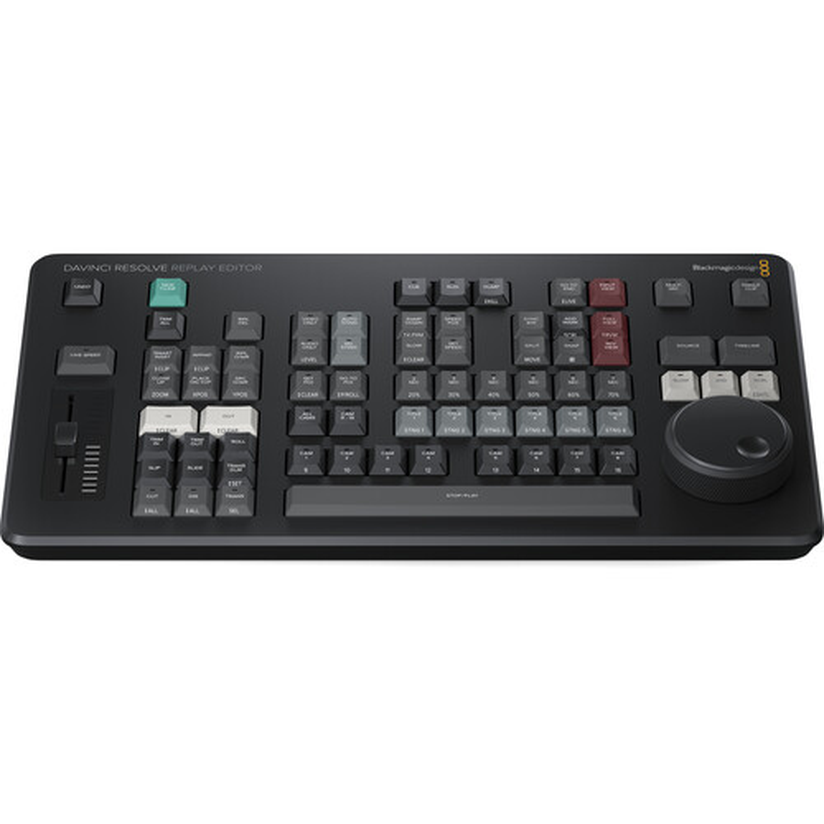
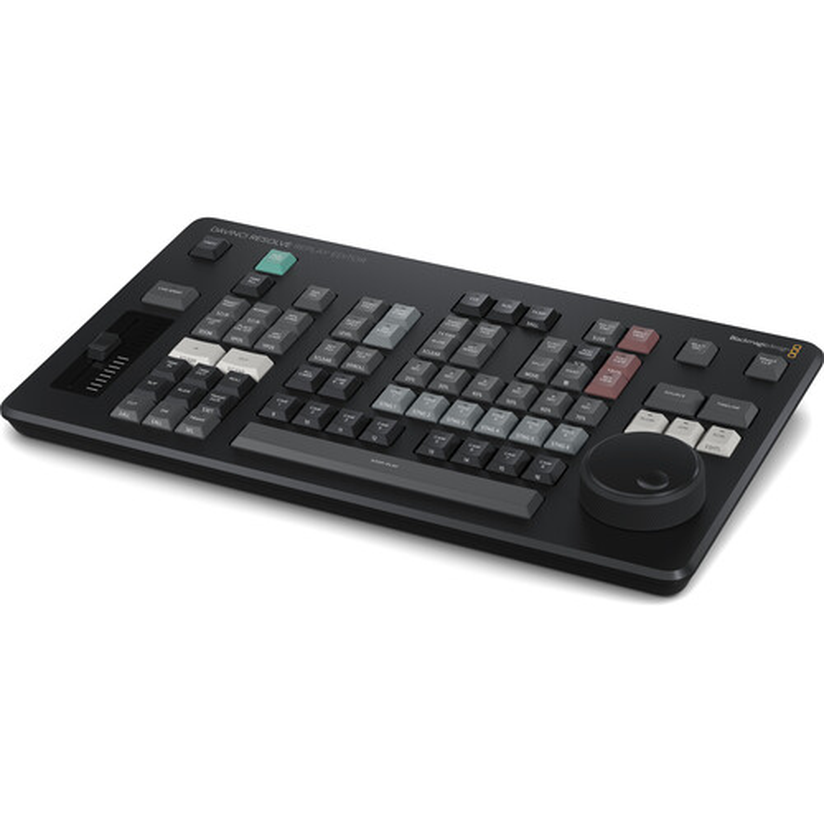
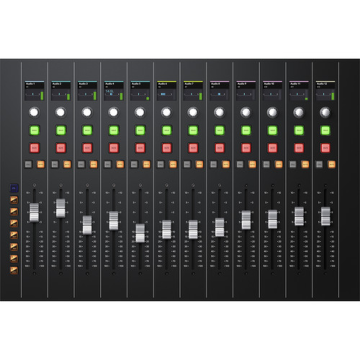
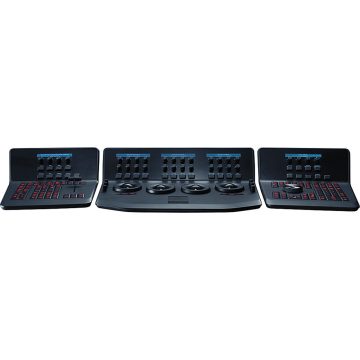
Built for broadcasters, studios and content creators, the Blackmagic Design Davinci Resolve Replay Editor is a professional product that brings professional results to your setup.
Key Features
- <p>The Blackmagic Design DaVinci Resolve Replay Editor is a crucial workflow component all in a class of its own
- In the high-pressure environment of live sports and event broadcasting, executing a multi-camera replay requires a level of speed and physical intuition that a standard keyboard and mouse simply cannot provide
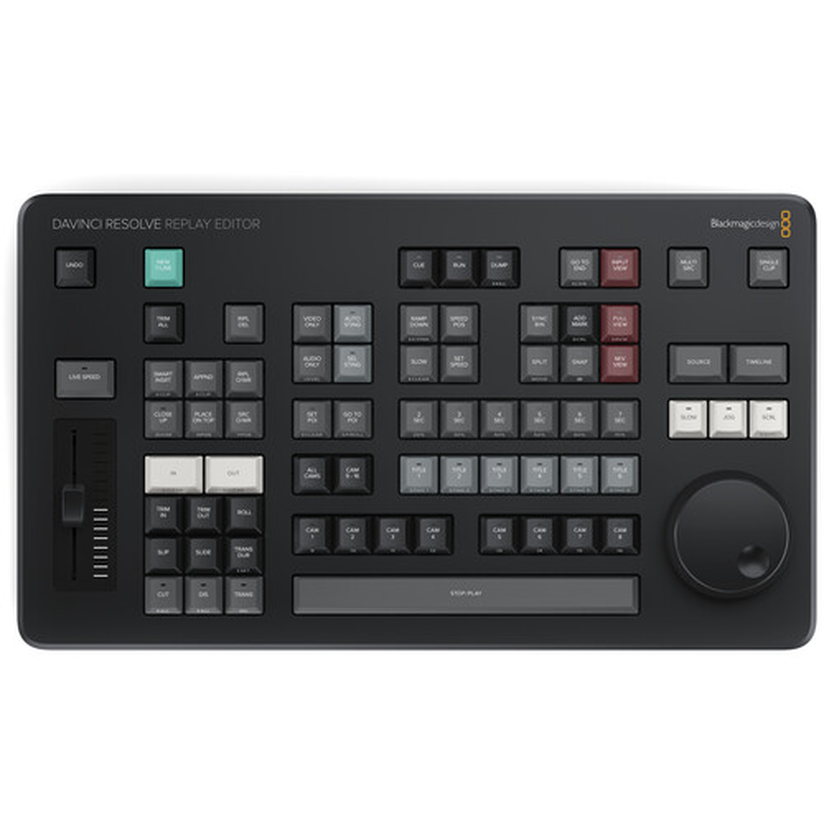
- This authentic OEM hardware bridges that gap perfectly, providing dedicated, broadcast-standard physical controls for marking points of interest (POI), selecting camera angles, and cueing playback
- It allows replay operators to rely entirely on muscle memory, drastically accelerating response times when the director calls for a highlight.</p>
- <p>Top product performance is achieved thanks to the panel’s premium engineering and native integration with DaVinci Resolve’s Cut page and Replay bins
- The centerpiece of the console is its weighted, machined metal search dial, which utilizes an electronic clutch to automatically switch between jog, shuttle, and scroll modes
- Above the dial, operators have instant access to specialized replay functions such as “Run,” “Dump,” and variable speed controls to execute flawless slow-motion playback
Specifications & Details
The integrated numeric keypad enables lightning-fast timecode entry and camera switching, ensuring you never miss a beat of the live action.</p> Its compact, robust footprint is perfectly sized for crowded OB vans, flypacks, and stadium control rooms. This makes the DaVinci Resolve Replay Editor a mandatory hardware investment for broadcast professionals, esports producers, and live event integrators utilizing Blackmagic’s innovative live-to-post ecosystem.</p>
Part number / SKU: BMD-DV/RES/BBPNLMLEKAR · Manufacturer: Black Magic Design
Why buy from RF Broadcast
RF Broadcast is run by broadcast people. Have a question about compatibility, setup or the right model for your project? Talk to our team or email sales@rfbroadcast.com — we’ll help you get it right the first time.
Reviews
There are no reviews yet.